Best AI Tools for Coding in 2026
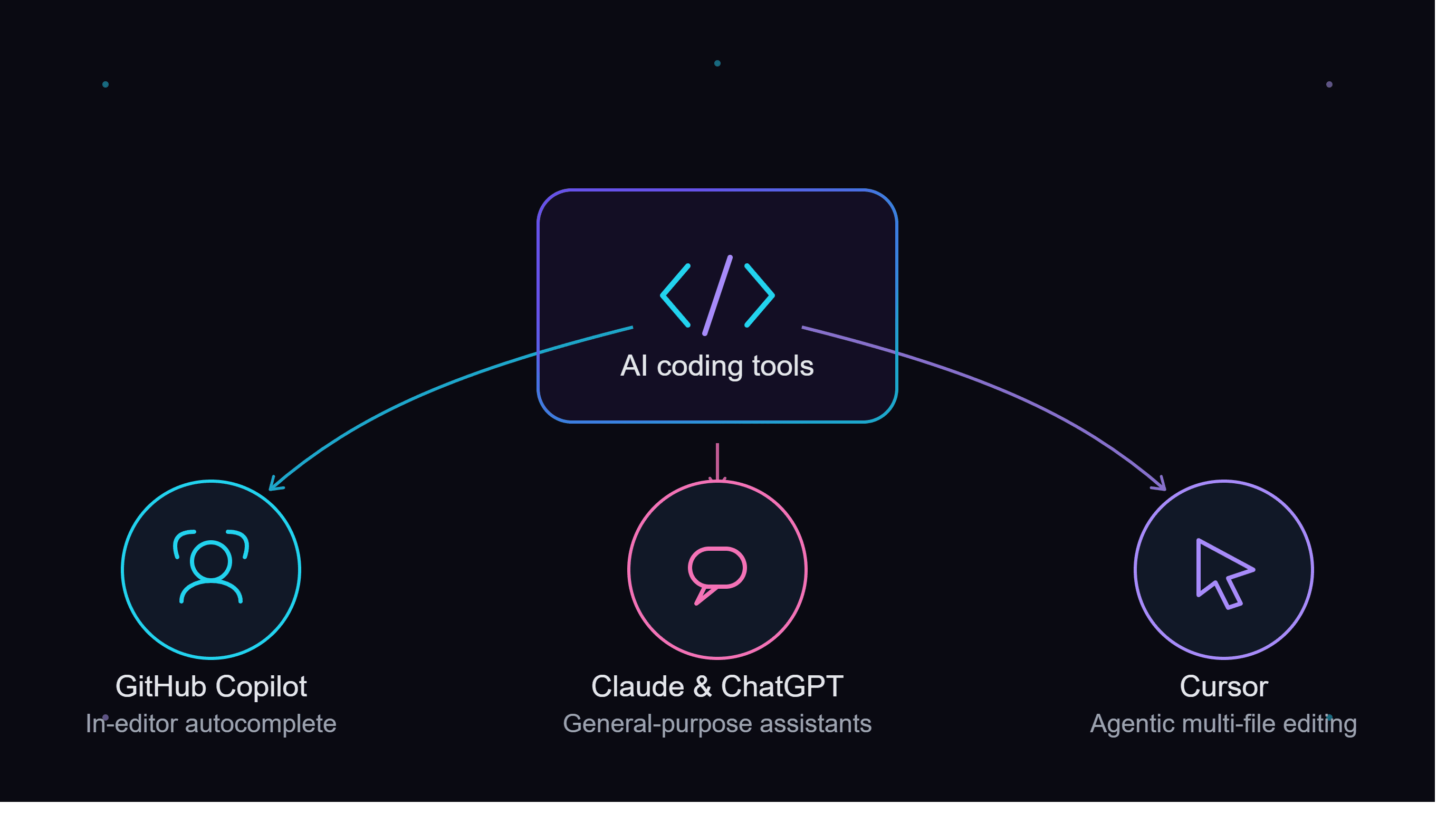
AI coding tools now range from simple autocomplete to full agentic editors that can plan and execute multi-file changes. Picking the right one depends less on which is "best" in the abstract and more on how you actually work — inside an existing editor, in a dedicated AI-first one, or through a chat window for planning and review.
In-editor autocomplete: GitHub Copilot
GitHub Copilot integrates into virtually every major editor and is the most widely adopted starting point. Its inline suggestions appear as you type and often correctly anticipate multi-line blocks in well-structured codebases, and Copilot Chat closes the gap for anything that needs explanation rather than just completion. It's the lowest-friction choice if you want AI help without changing your existing editor or workflow at all.
Agentic, multi-file editing: Cursor
Cursor goes further, with an agent mode that can plan and execute changes across multiple files based on a natural-language description. Because it's a fork of VS Code, existing extensions and shortcuts carry over, so the learning curve is mostly about the new AI features rather than relearning an editor from scratch. It's the stronger pick once you're doing real refactors rather than just writing new code line by line.
General-purpose assistants also help
Claude and ChatGPT are both strong for code review, debugging, and explaining unfamiliar code outside your editor. Claude's larger context window makes it particularly useful for understanding how a change in one file affects a large, unfamiliar codebase, while ChatGPT's Code Interpreter is handy for quick, throwaway data-analysis scripts that don't belong in your main project at all.
Choosing based on your actual workflow
If most of your day is spent in one editor and you want fast, low-effort suggestions without changing anything else, start with Copilot. If you're comfortable switching editors and want an assistant that can genuinely plan and carry out larger changes, Cursor's agent mode is worth the switch. If you mainly want a second opinion on tricky code, a second pair of eyes on a pull request, or help understanding a legacy codebase you didn't write, a general chatbot like Claude handles that better than either dedicated coding tool.
What AI coding tools still don't replace
None of these tools remove the need to actually review what gets generated, especially for multi-file agent-driven changes or anything touching production data. Treat AI-generated diffs the way you'd treat a pull request from a new team member: useful, often quite good, but worth reading before merging rather than accepted on faith.
Full comparison
See our Best AI Tools for Coding list for the complete ranked breakdown, including pricing and feature comparisons across all four tools.
Security considerations before rolling out company-wide
Before standardizing on any of these tools across a whole engineering team, check its current code-privacy and training-data policy, especially if your codebase is proprietary or covered by a client NDA. GitHub Copilot's Business and Enterprise tiers exclude your code from model training by default; Cursor, Claude, and ChatGPT each publish their own data-handling terms that vary by plan. This is a quick policy check worth doing once at the team level rather than leaving every individual engineer to assume the defaults are safe for sensitive code.
Trying more than one at once
There's no rule against running two of these tools side by side. A common pairing on real engineering teams is GitHub Copilot or Cursor for inline, moment-to-moment suggestions while writing code, plus Claude opened in a separate tab for architecture questions or reviewing a finished pull request in more depth than an inline suggestion can offer. Since most of these tools have a usable free tier, trying a second one alongside your primary pick costs little, and the two use cases — fast inline completion versus slower, more deliberate reasoning — rarely compete for the same moment in your workflow anyway.