Best AI Video Generators in 2026
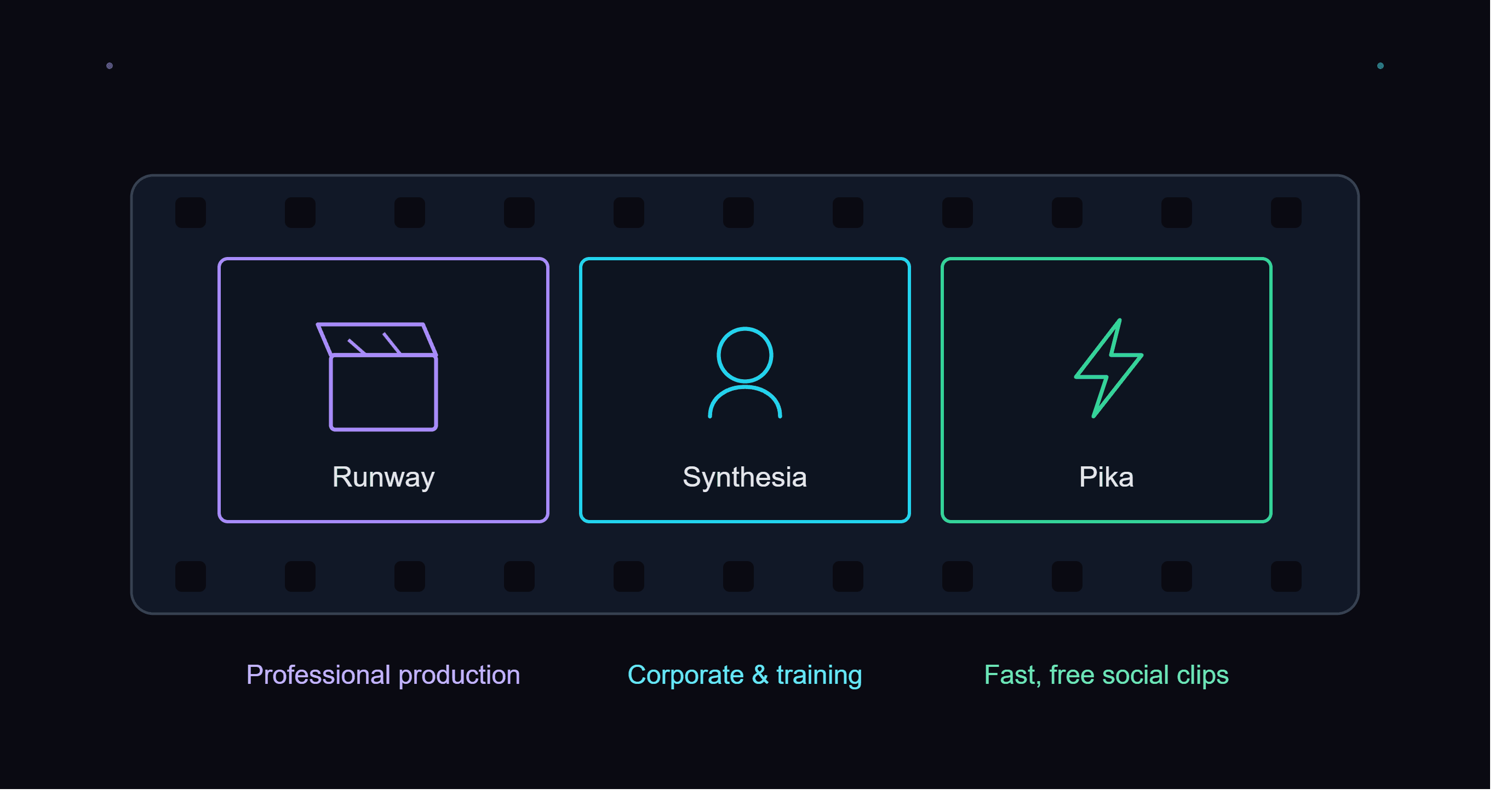
AI video generation has matured fast, but the right tool depends heavily on your intended use case — professional production, corporate training, or quick social content all call for a different pick.
For professional production: Runway
Runway offers the most controllable generation and a deep editing toolset, and is actively used by professional creators and studios. Its Gen-4 model, combined with motion brush and camera controls, produces short clips that look genuinely production-ready, though longer or more complex sequences still benefit from real editing skill to stay coherent across cuts.
For corporate & training video: Synthesia
Synthesia turns a script into a polished presenter video in minutes, with 140+ language dubbing — ideal for training and onboarding content. There's no filming, actors, or studio required at any point, which makes it the fastest way to produce a library of consistent training videos across multiple languages without re-filming for each one.
For fast, free social clips: Pika
Pika is the quickest way to try AI video for free, well suited to short, social-ready clips rather than full productions. Its Pikaffects preset library covers specific stylized looks that would otherwise take manual editing skill, and the free tier's starting credit batch is enough to seriously evaluate whether the quality fits your needs before paying anything.
Matching the tool to the actual output you need
If the final video needs to look cinematic or brand-polished, Runway's control over camera movement and composition is worth its steeper learning curve. If you need a talking presenter explaining a process or policy, nothing on this list beats Synthesia's script-to-video speed, especially once multiple languages are involved. If you just want a quick, shareable clip for social media without learning an editing suite at all, Pika gets you there fastest.
Pricing at a glance
Runway starts at $12/mo (Standard) with a free tier offering a one-time credit batch; Synthesia starts at $29/mo with a free plan capped at 3 minutes/mo; Pika starts at $8/mo (Standard) with an ongoing free tier. None of the three is dramatically cheaper than the others once you move past casual, occasional use — the real deciding factor is which one's output style actually matches what you're trying to produce.
A realistic expectation to set
Even the best current AI video tools still need a human in the loop for anything beyond a single short clip. Treat all three as accelerators for specific parts of a video workflow — generation, dubbing, stylized effects — rather than a fully automated pipeline from script to finished, polished production.
Full rating
See our Best AI Tools for Video list for the complete ranked comparison, including feature and pricing breakdowns side by side.
Testing with your own content before subscribing
Generic demo prompts tend to make every AI video tool look impressive, which is exactly why we'd recommend testing with the actual kind of clip you need — your own script, your own product, your own intended style — using each tool's free tier before paying for a full month. Quality and consistency vary meaningfully by subject matter and intended use case, and a tool that nails one style of content won't necessarily nail another just because a demo reel looked polished.
How long generation actually takes
Generation speed varies more than most people expect. Pika typically returns a short clip within a minute or two, which is part of why it suits fast social content well. Runway's generations take noticeably longer, especially at higher resolutions, reflecting the extra compute behind its more controllable, production-oriented output. Synthesia's render time scales with the length of the script rather than visual complexity, since it's compositing a script against an avatar template rather than generating pixels from scratch — a five-minute training video takes meaningfully longer than a thirty-second one, in a way that doesn't really apply to the other two tools' shorter, clip-based workflow.